Page Building
Create a new page
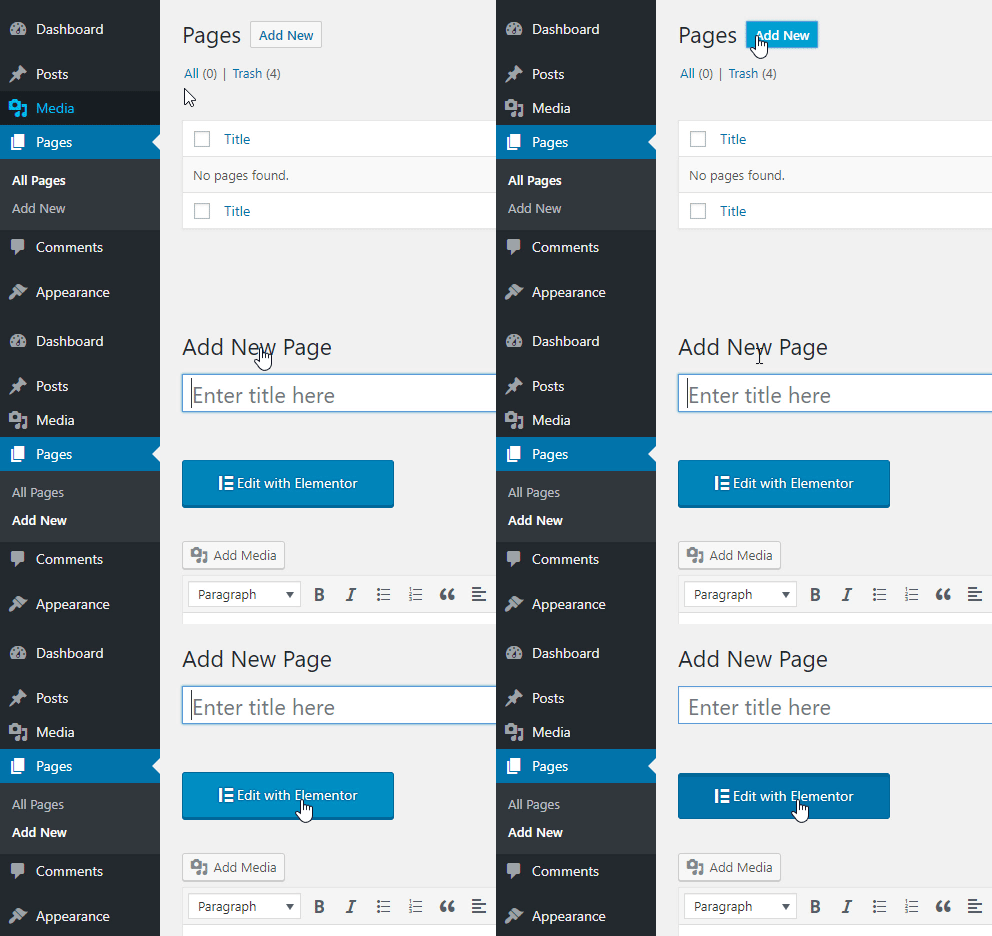
- On the top left side of the WordPress dashboard, click Pages > Add New
- Click Edit with Elementor to enter Elementor Page Builder.
The website editing screen is located on the right side. This is your workspace, where you can add sections and templates.
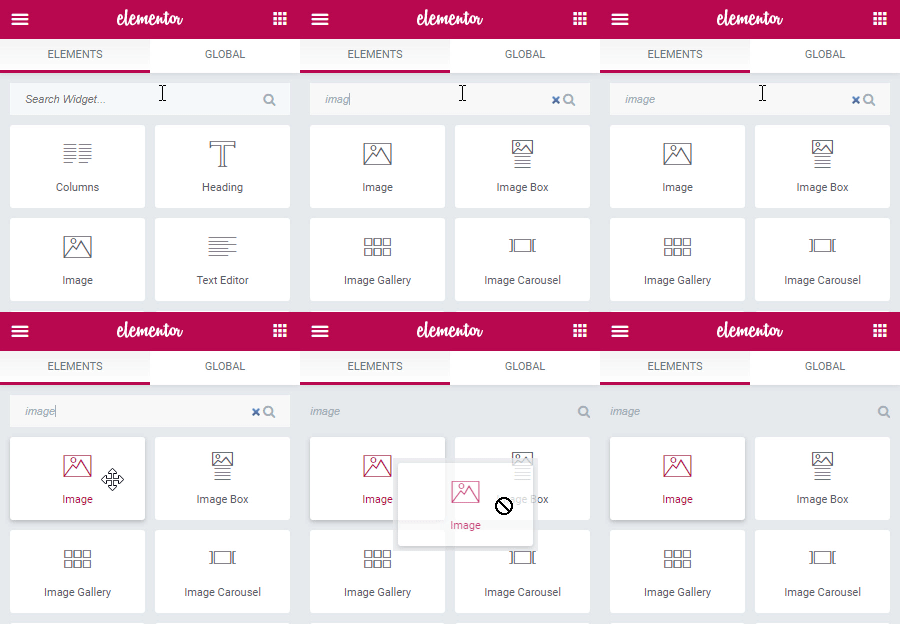
The panel is located on the left side of the screen and contains creative tools called widgets, that allow you to add elements to your page.
Some of the most commonly used widgets include Button, Image, text, and more.
To find a specific widget, use the search field.